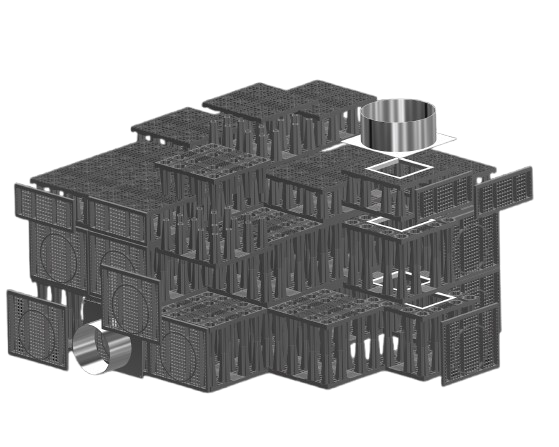

EZstorm+ Configurator
New Project
Utility
Configuration
Accessories
Results
Start a new project
New Project
Utility
Configuration
Accessories
Results
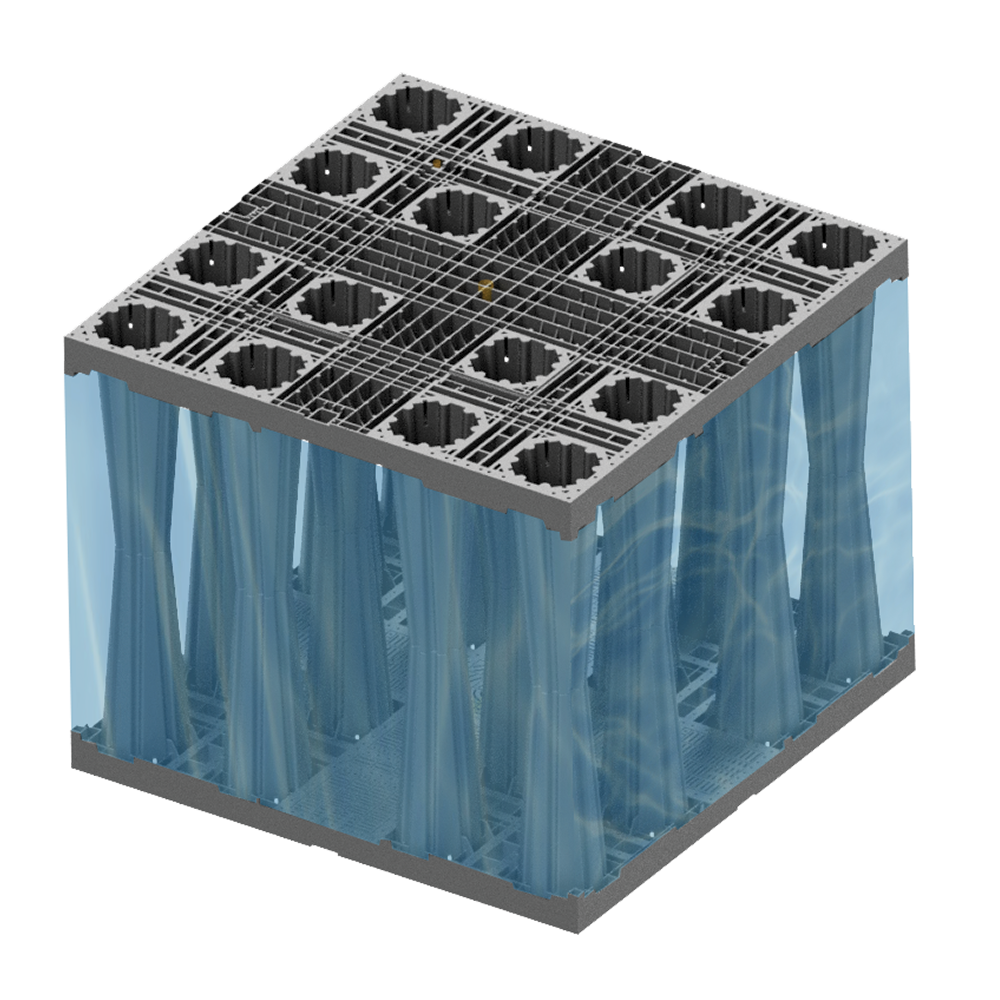
Select the loading option for the project :
Select the fill material for your project :
New Project
Utility
Configuration
Accessories
Results
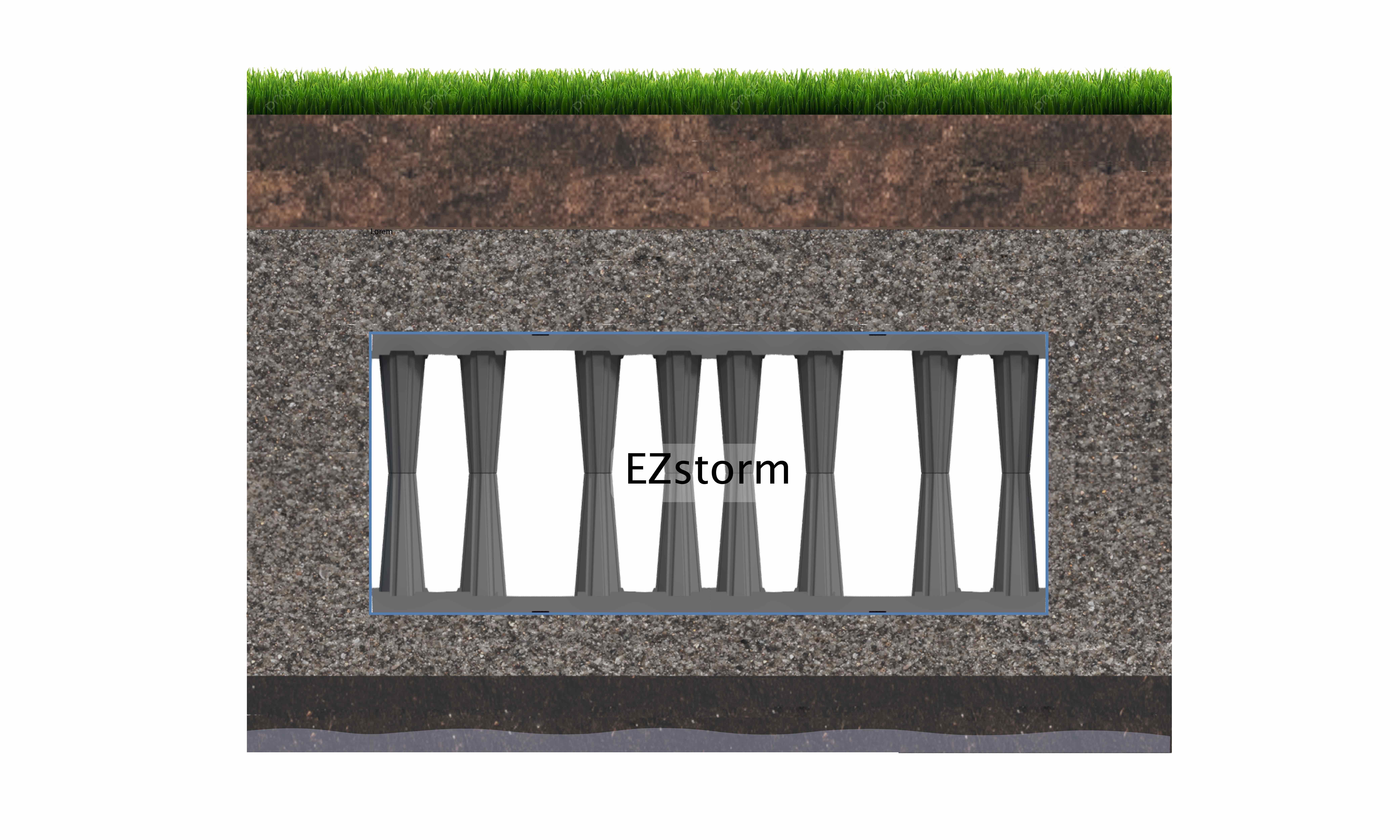
- Enter the finished grade and bottom elevations to calculate the available depth, or input the available depth directly.
Finished grade elevation (m)
Outlet invert elevation (m)
Or input available depth directly :
Available Depth (m)
- Enter the required storage volume for your project :
Required Storage Volume (m)³
New Project
Utility
Configuration
Accessories
Results
EZstorm+ tank configuration
Finished ground level (m)
System invert (m)
Or
Available Height (m)
Volume (m)³
Enter the dimensions (height, length and width) available for the tank
EZstorm+ storage volume: 0 m³
New Project
Utility
Configuration
Accessories
Results
EZstorm+ accessories
Add and place accessories for the EZstorm+ system




New Project
Utility
Configuration
Accessories
Results
EZstorm+ configuration is completed
We truly appreciate your trust in our tool to create the solution for your needs. Your customized data sheet is ready, and you can download it by clicking the link below. Here is a summary for your configuration :
EZstorm+ tank configuration :